TimerBox

Works with OBS, Streamlabs, and any browser source.

Open stream builder

Preview ready

Preview paused

Timer theme

Classic

Clean digits. Nothing between you and the number.

Large digits in your color. Add a bar or ring, or keep the numbers on their own.

OverlayFull background
Use Classic

See it in your scene

16:9Full background
16:9Overlay on stand-in scene art
Classic in a vertical 9:16 frame
9:16Vertical

Every state

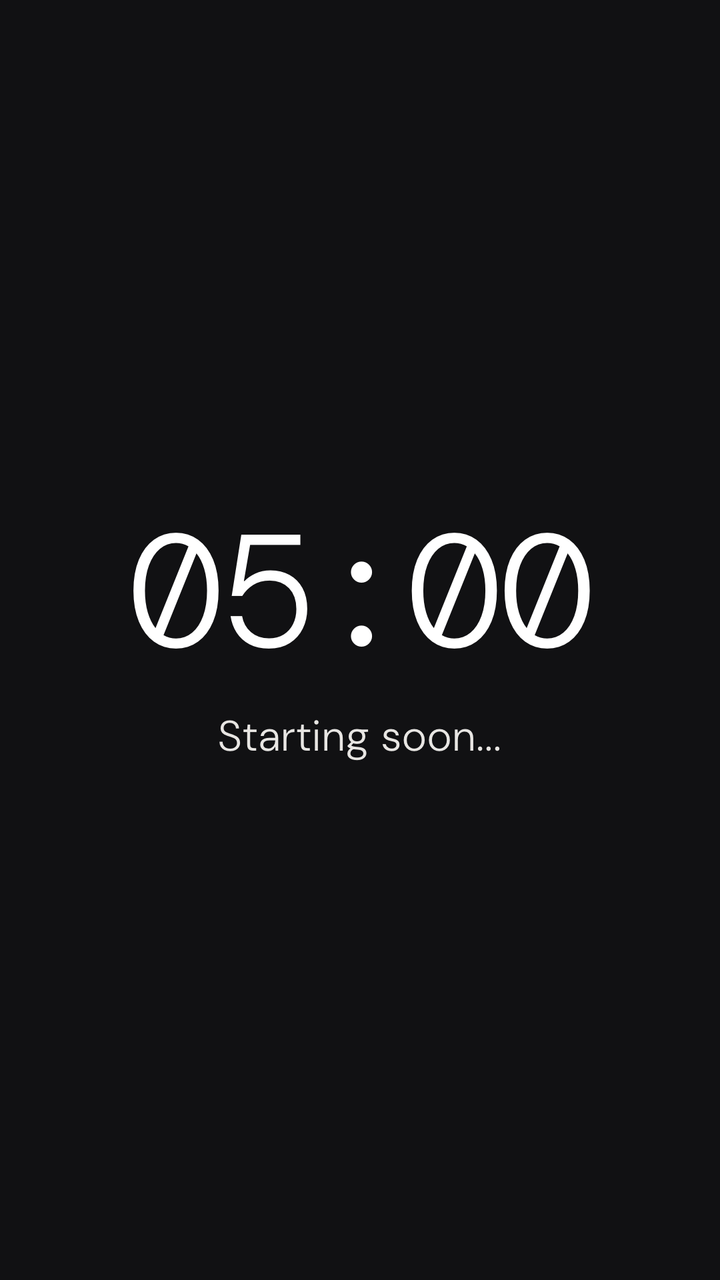
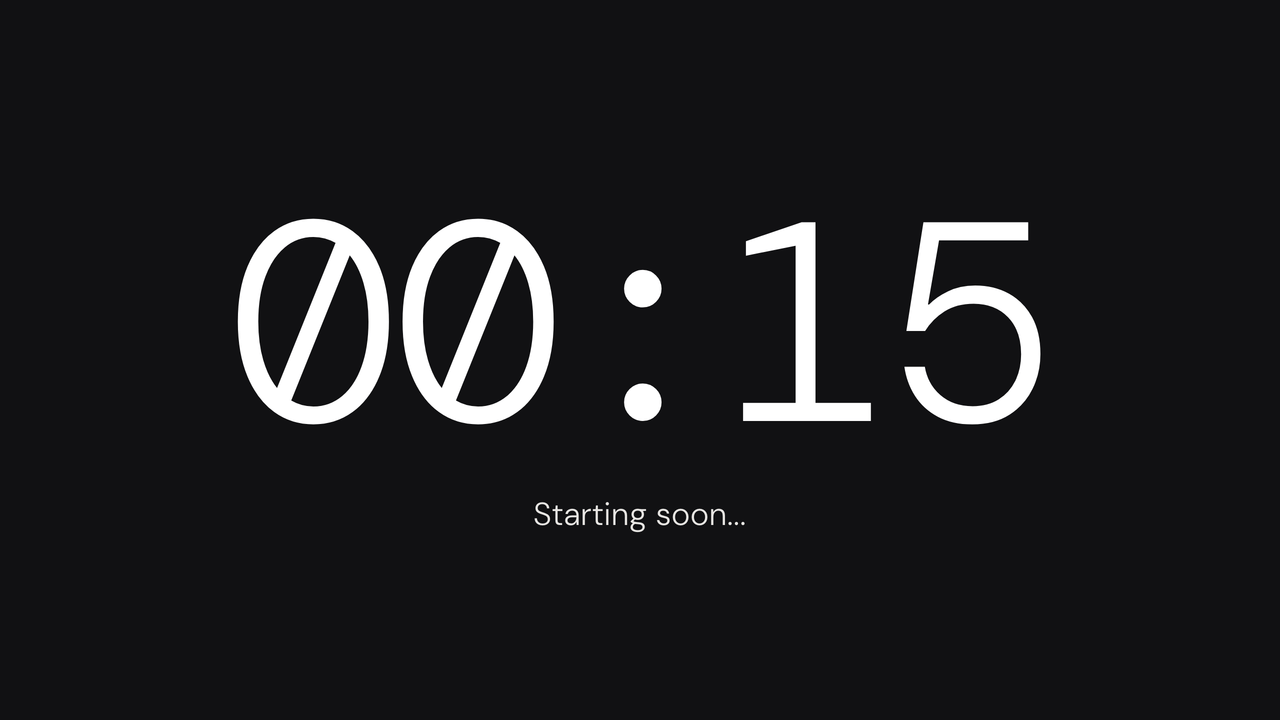
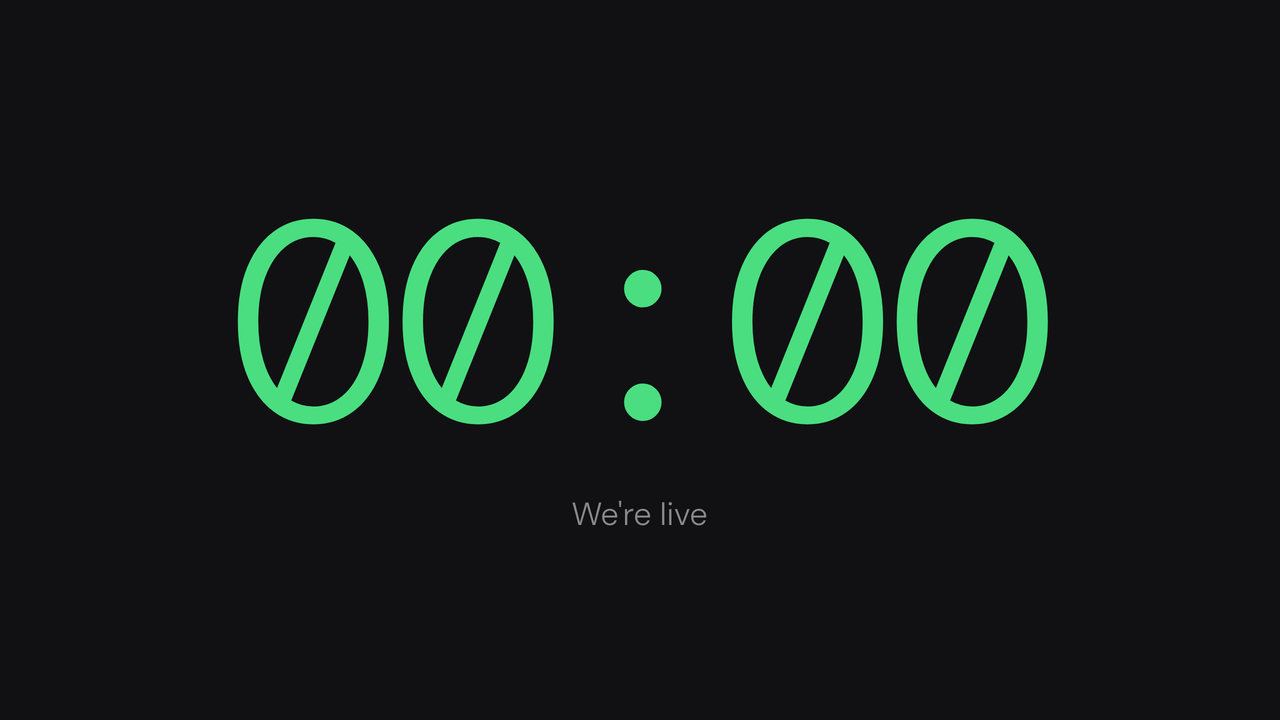
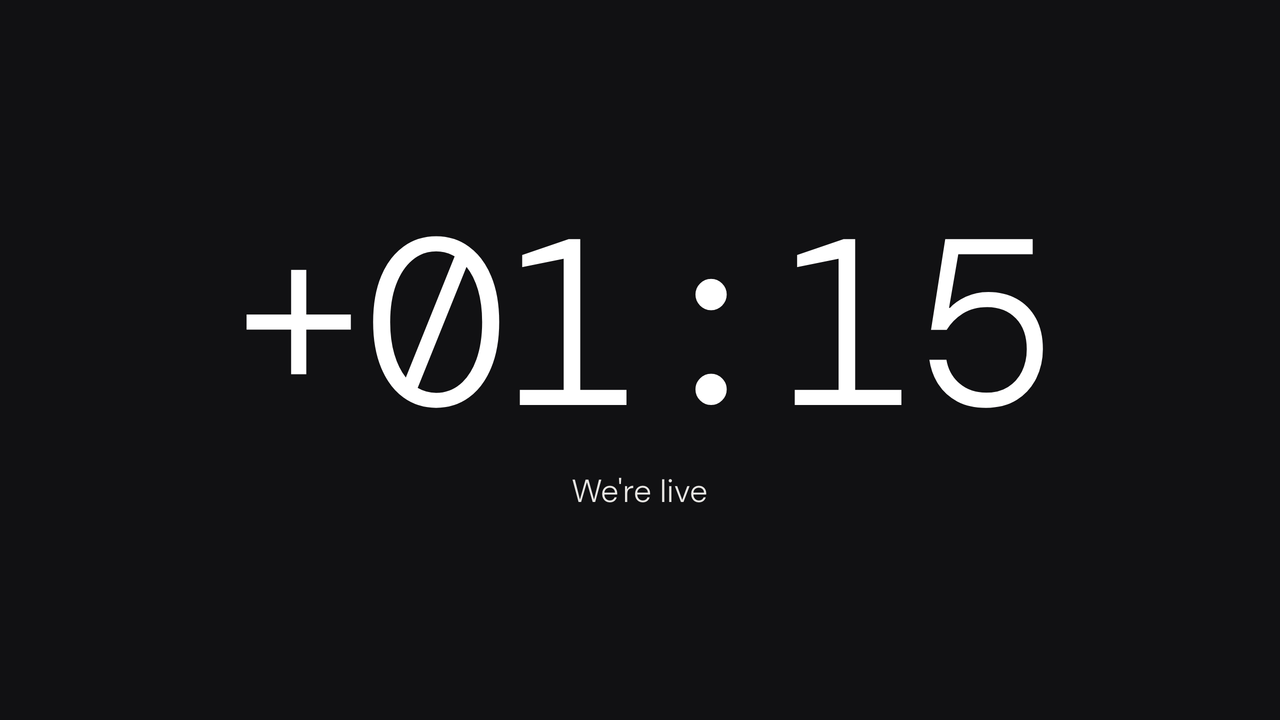
What Classic looks like at the moments a preview never reaches. Captured from the same renderer OBS runs.

  • Classic: final minute. 15 seconds left of a 5-minute timer.

    Final minute15 seconds left of a 5-minute timer.

  • Classic: zero. The end message replaces the message.

    ZeroThe end message replaces the message.

  • Classic: overtime. Counting up past zero, 1:15 over.

    OvertimeCounting up past zero, 1:15 over.

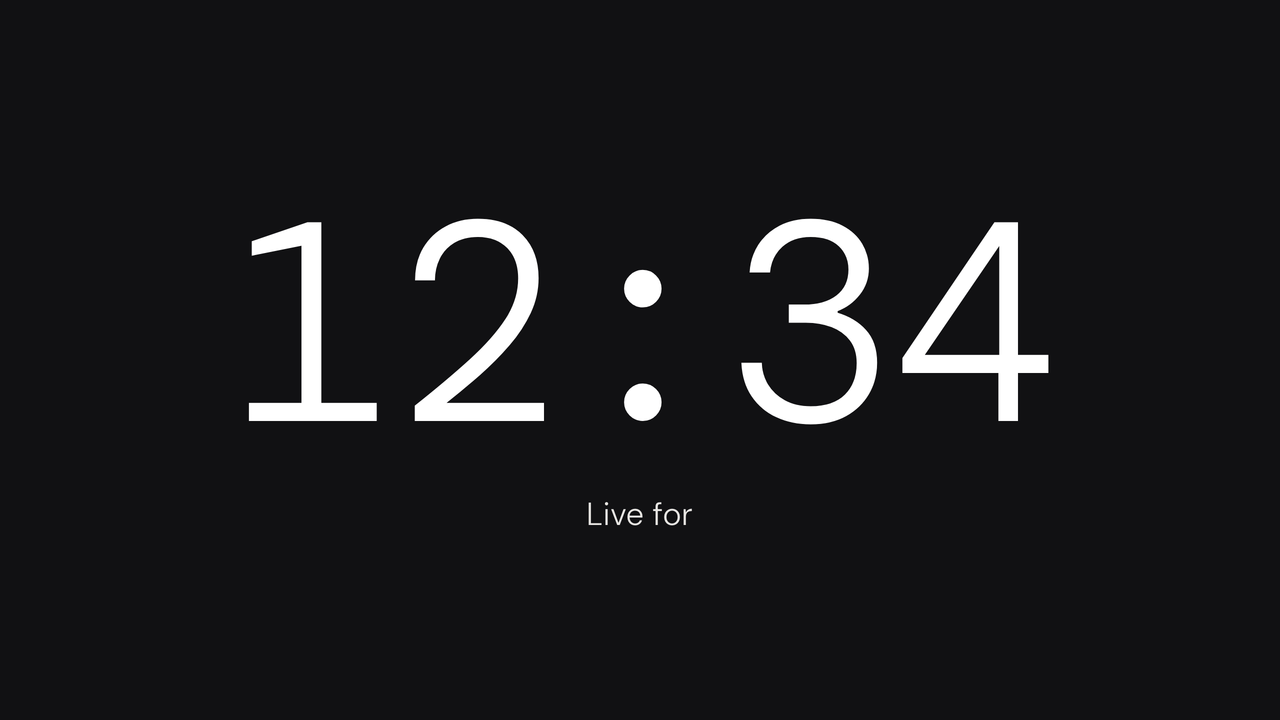
  • Classic: count up. A stopwatch, 12:34 in.

    Count upA stopwatch, 12:34 in.

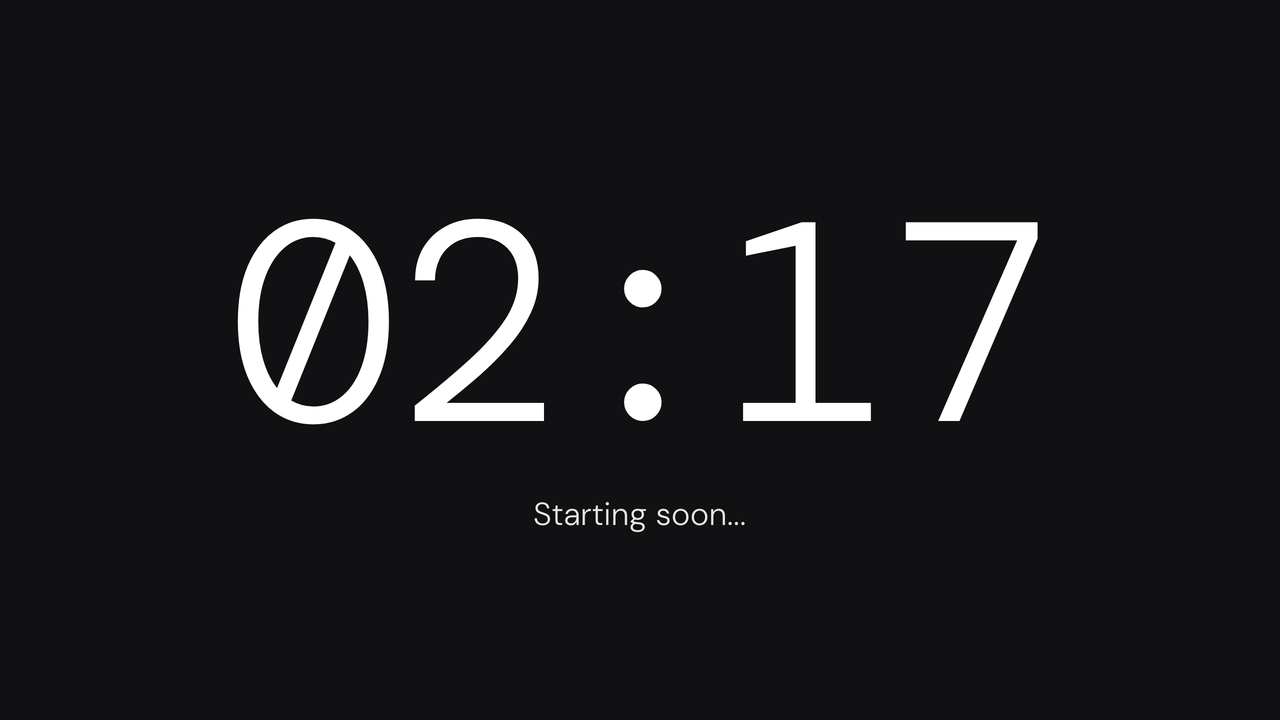
  • Classic: paused. Stopped mid-run at 2:17.

    PausedStopped mid-run at 2:17.

How Classic works

Classic shows the time with even-width digits, so the number stays still as they change. The layout fits whatever source size you set in OBS.

Classic has three styles. Digits shows the number by itself. Bar drains toward zero. Ring puts the timer inside a circle.

What can I change?

Pick the digit color, display style, and digit font. You can also choose a background color or remove the background.

Countdown, count-up, clock time, overtime, messages, and reload options all work with Classic.

When should I use it?

Use Classic when the timer shares the frame with a game, camera, or score. It shows the time and leaves the rest of the scene alone. For more motion, try Sundial or Acetate.

Theme controls

  • Style

    Plain digits, a draining bar, or a ring.

  • Accent color

    Set the color of the timer digits.

  • Ground color

    Pick the ground color behind Classic.

  • Digit font

    Set the digits in DM Mono, Chivo Mono, Azeret Mono, or DotGothic16.

  • Transparent mode

    Remove the full background and show the timer over your OBS scene.

A plain timer stays ready.

TimerBox shows a visual theme only after the full display is ready. If the theme cannot start or stops drawing, a plain digit timer takes its place.