TimerBox

Works with OBS, Streamlabs, and any browser source.

Open stream builder

Loading Sundial preview

Preview paused

Timer theme

Sundial

A cast shadow shortens as the timer runs.

The cast shadow shortens as the timer runs. At zero, the shadow disappears.

OverlayFull background
Use Sundial

See it in your scene

16:9Full background
16:9Overlay on stand-in scene art
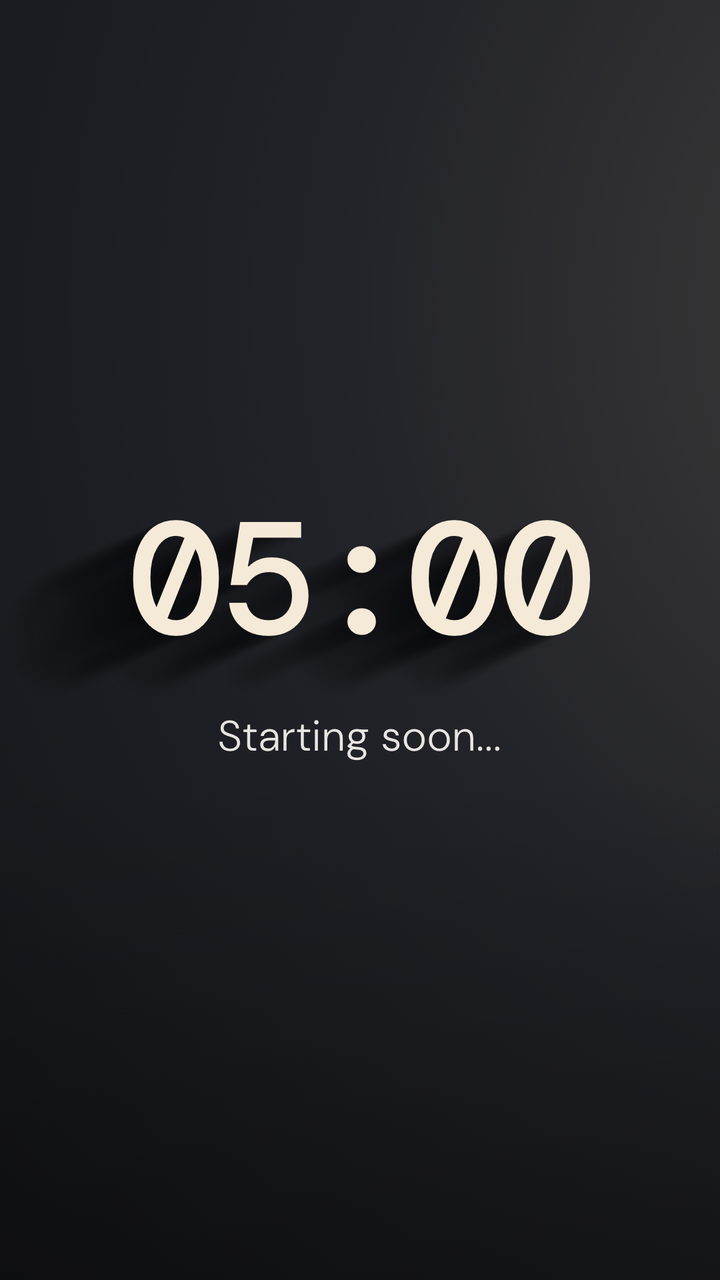
Sundial in a vertical 9:16 frame
9:16Vertical

Every state

What Sundial looks like at the moments a preview never reaches. Captured from the same renderer OBS runs.

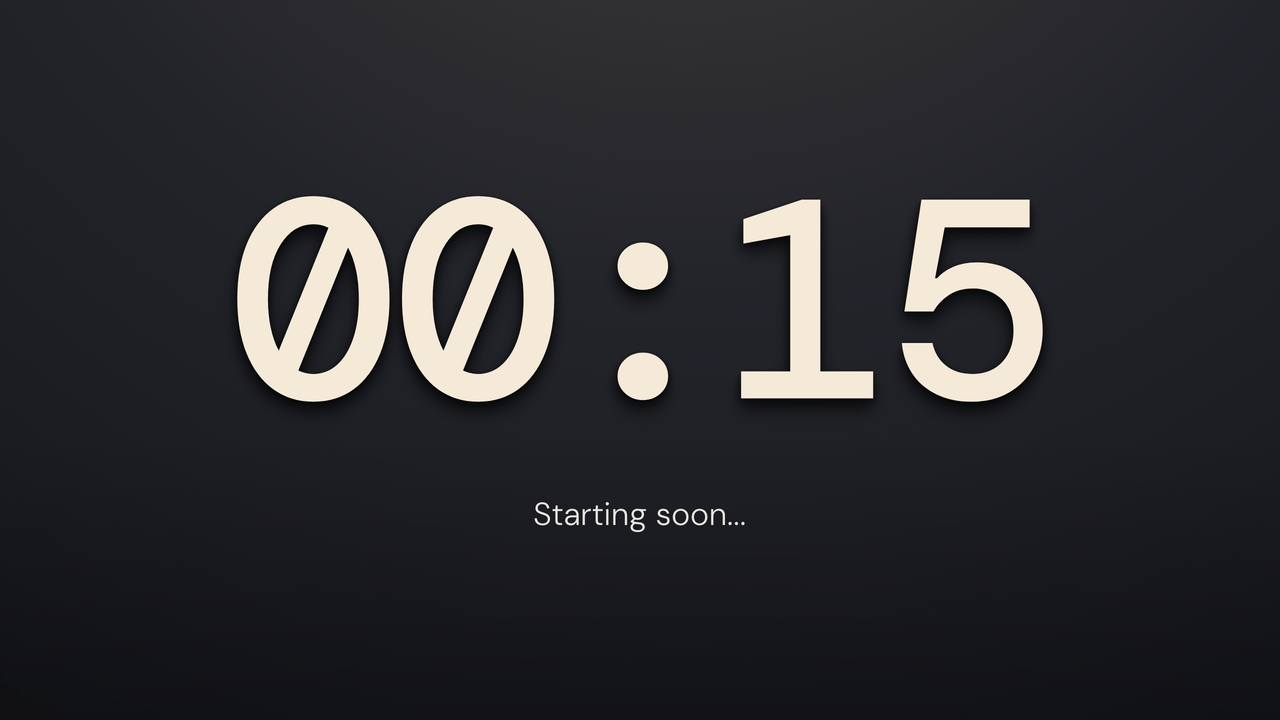
  • Sundial: final minute. 15 seconds left of a 5-minute timer.

    Final minute15 seconds left of a 5-minute timer.

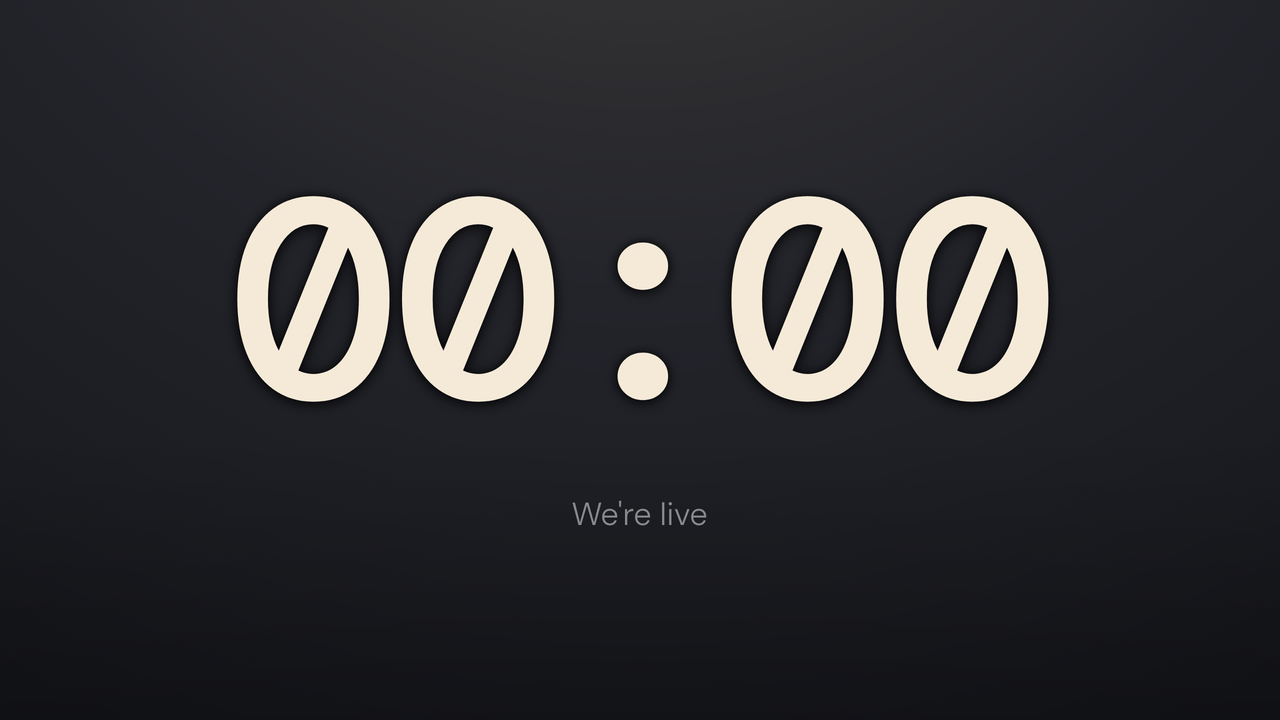
  • Sundial: zero. The end message replaces the message.

    ZeroThe end message replaces the message.

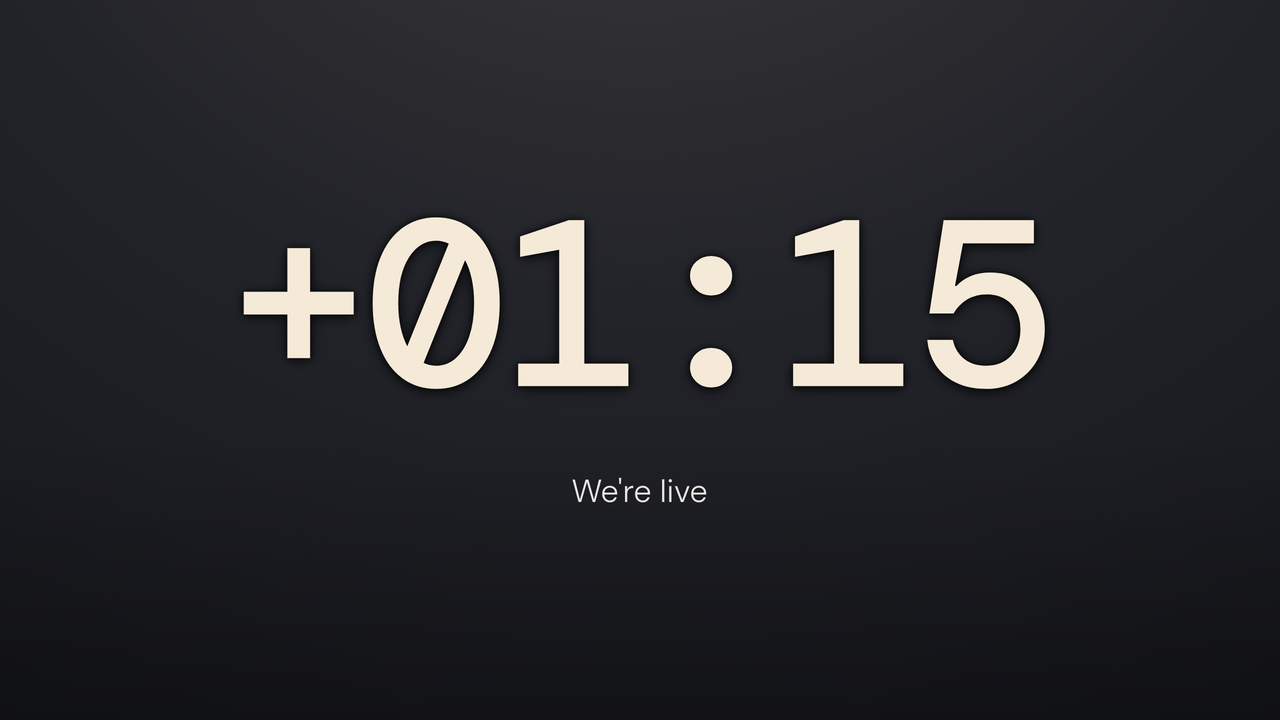
  • Sundial: overtime. Counting up past zero, 1:15 over.

    OvertimeCounting up past zero, 1:15 over.

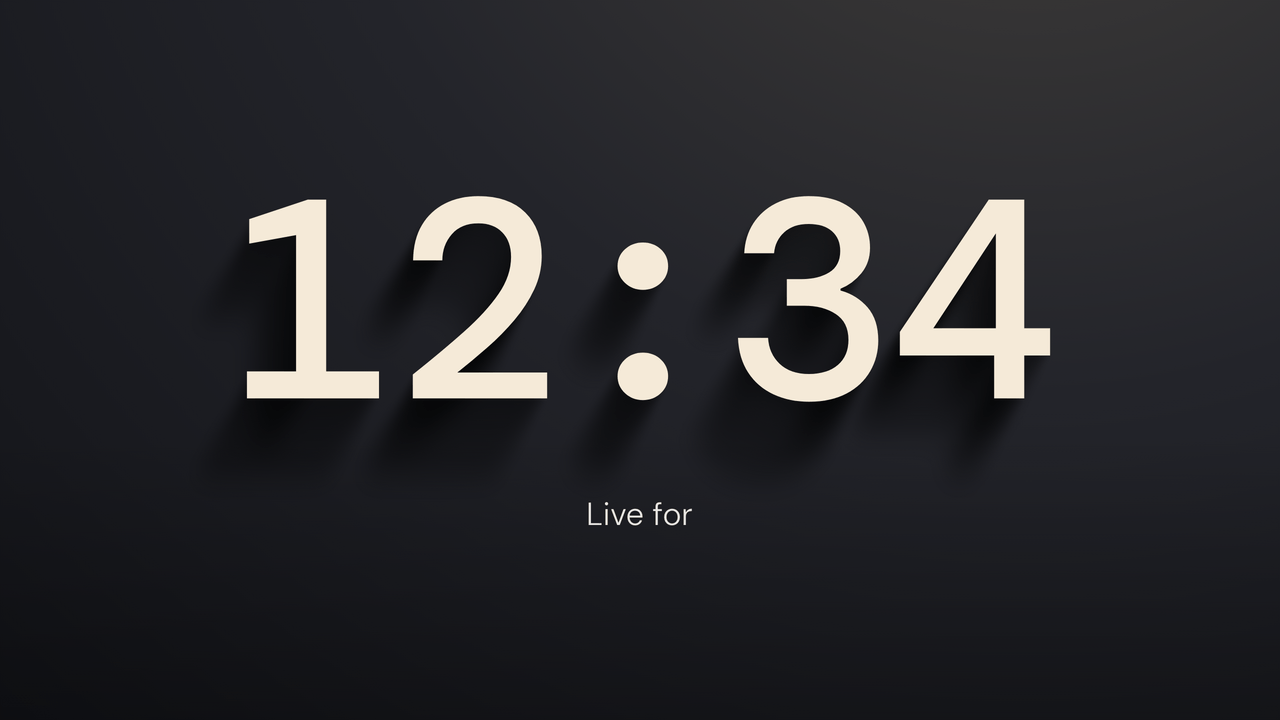
  • Sundial: count up. A stopwatch, 12:34 in.

    Count upA stopwatch, 12:34 in.

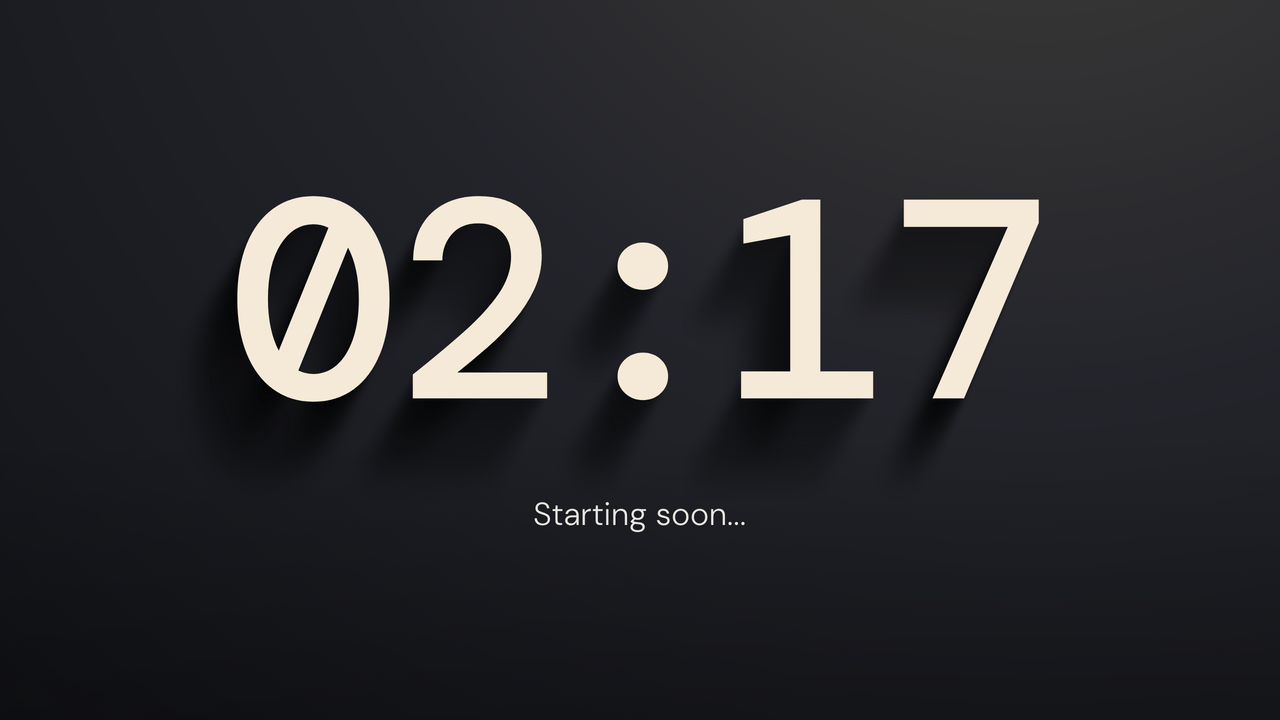
  • Sundial: paused. Stopped mid-run at 2:17.

    PausedStopped mid-run at 2:17.

How Sundial works

The shadow starts long and gets shorter as time runs out. It gives viewers a second way to read the timer without watching each digit.

Clear mode puts the digits and shadow over your scene. Full background mode adds a colored field behind them.

What can I change?

Pick the digit color, background color, shadow strength, and digit font. If you don't pick a digit color, Sundial uses warm cream.

Sundial uses digits instead of the Classic bar or ring. In count-up mode, the light stays at its middle point because there's no end time.

Theme controls

  • Accent color

    Set the color of the timer digits. Untouched, Sundial writes in its own ink.

  • Ground color

    Pick the ground color behind Sundial.

  • Digit font

    Set the digits in DM Mono, Chivo Mono, Azeret Mono, or DotGothic16.

  • Shadow strength

    Control shadow length and depth, 0 to 100.

  • Transparent mode

    Remove the full background and show the timer over your OBS scene.

A plain timer stays ready.

TimerBox shows a visual theme only after the full display is ready. If the theme cannot start or stops drawing, a plain digit timer takes its place.